Plan it together.
Split it fairly.
One plan for the whole group: what's next today, every booking offline, and who owes whom. Friends join from a link, no account needed.
Or open Kiqora in your browser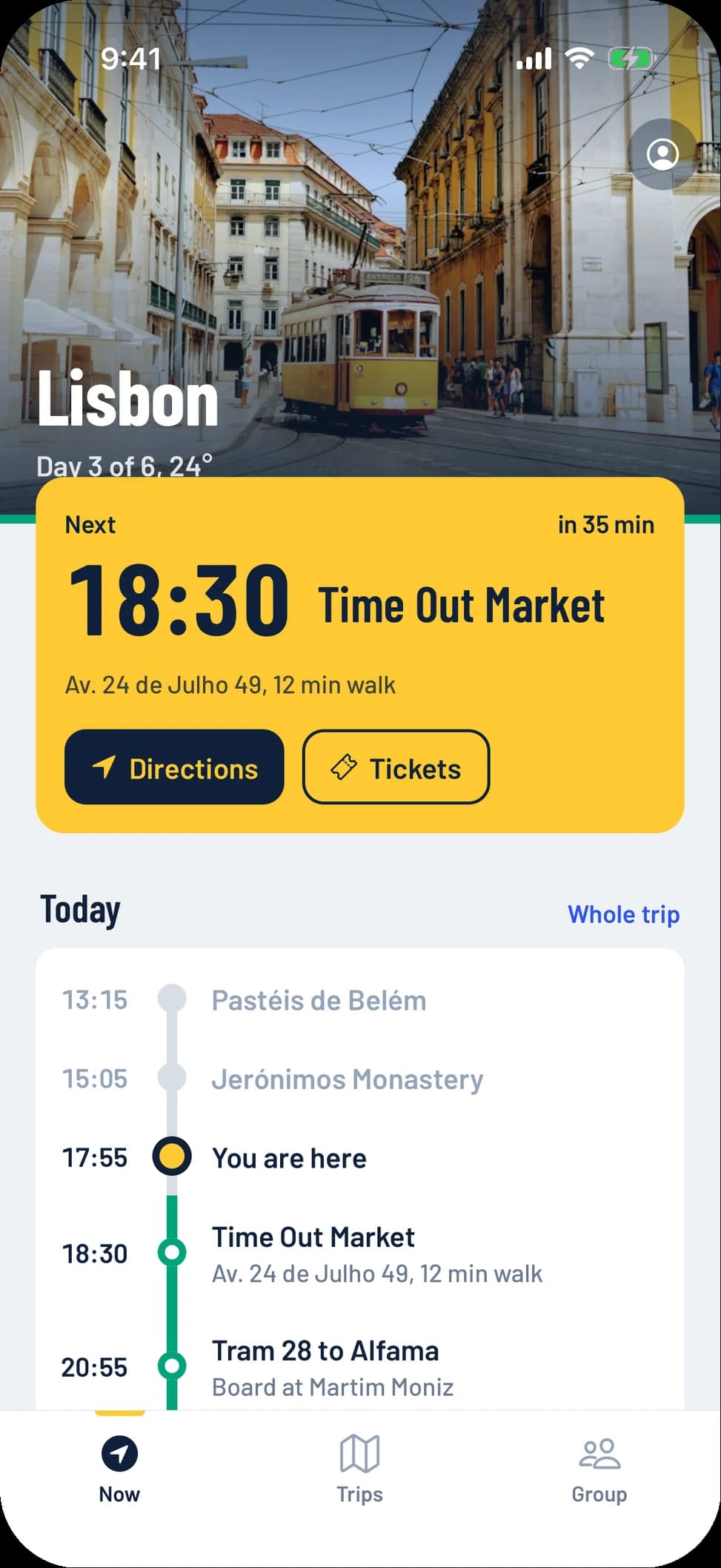
How a trip works
Three stops from the first idea to everyone being square.
- 1
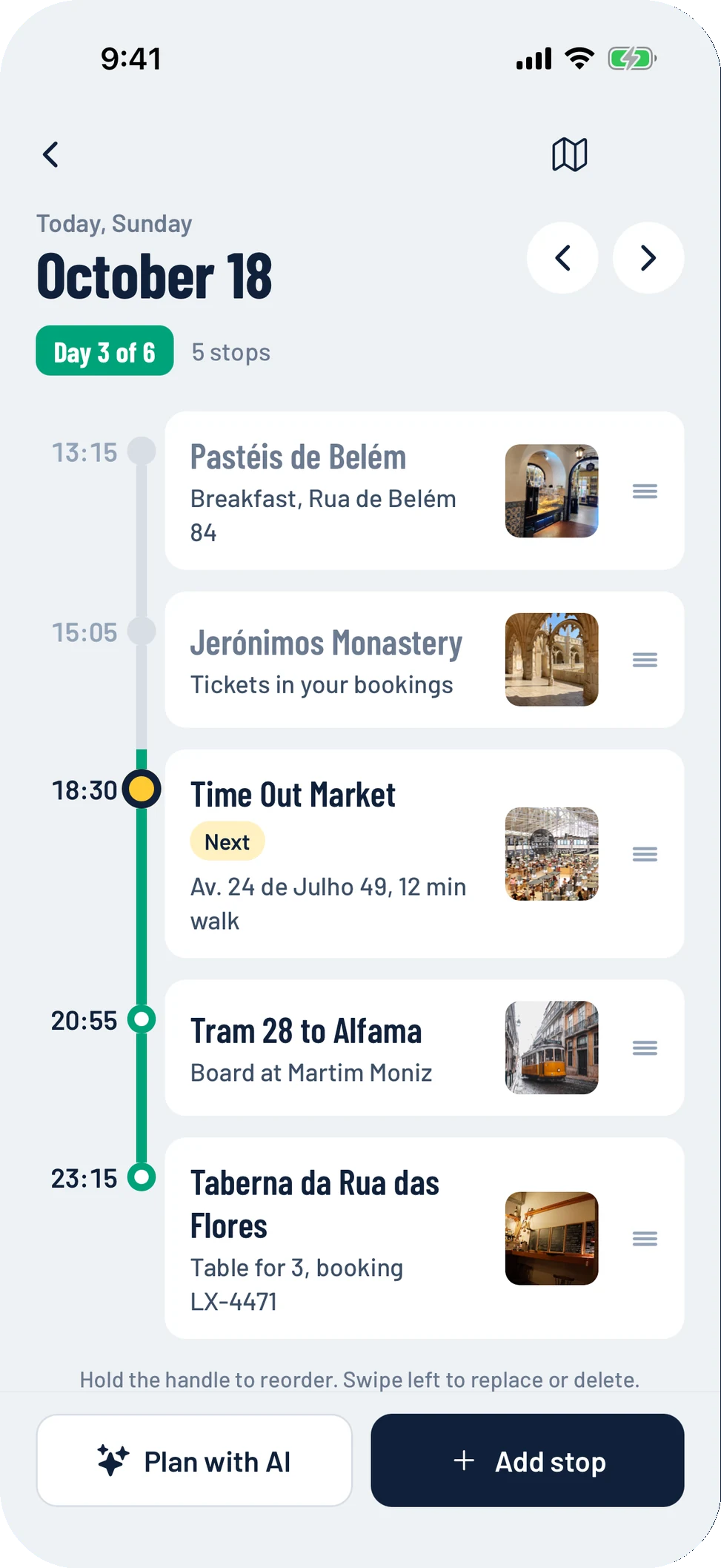
Plan the days
Add stops yourself or let Kiqora draft each day with real places. Every trip becomes a line with a station for each city.
- 2
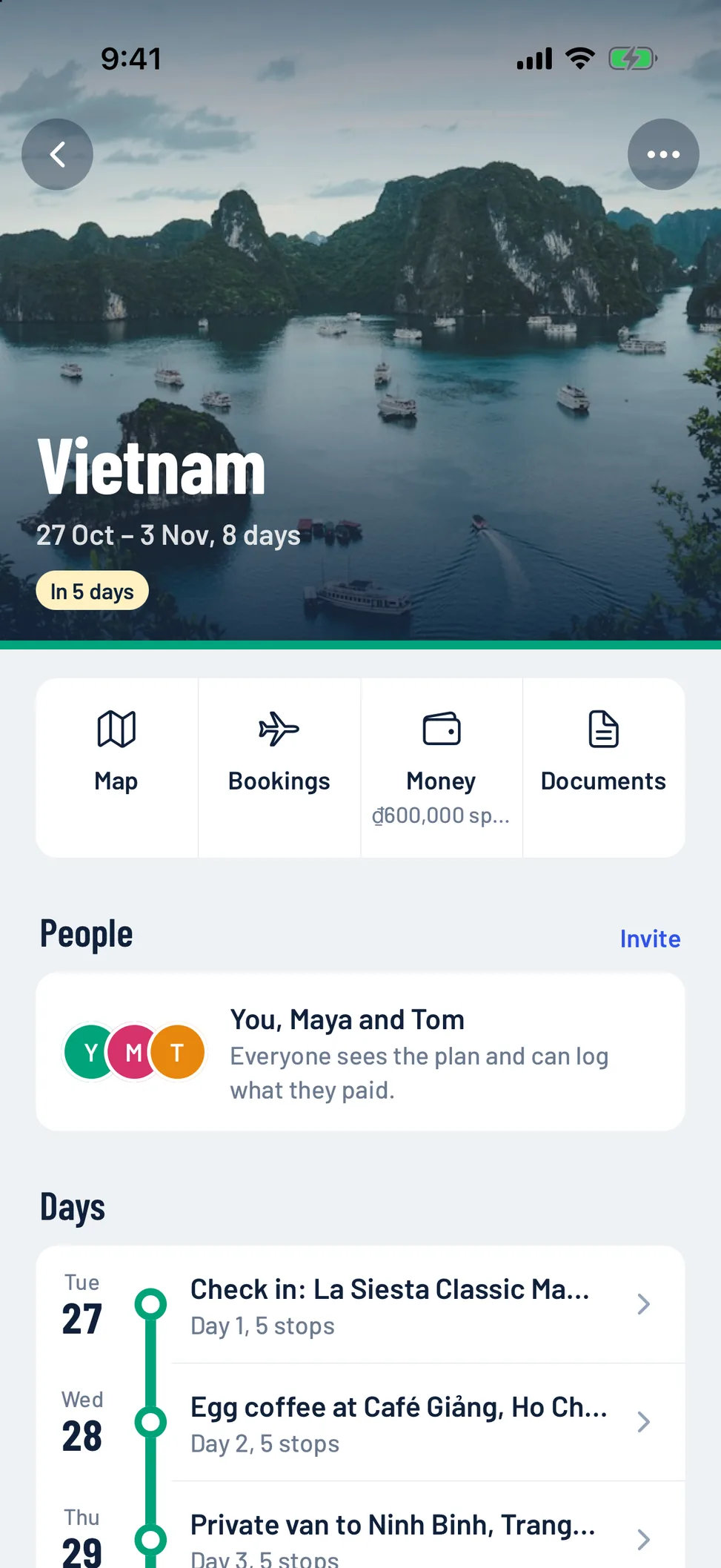
Invite with a link
Send one link to the group. Friends open the plan in their browser and join with their name. No account, no install.
- 3
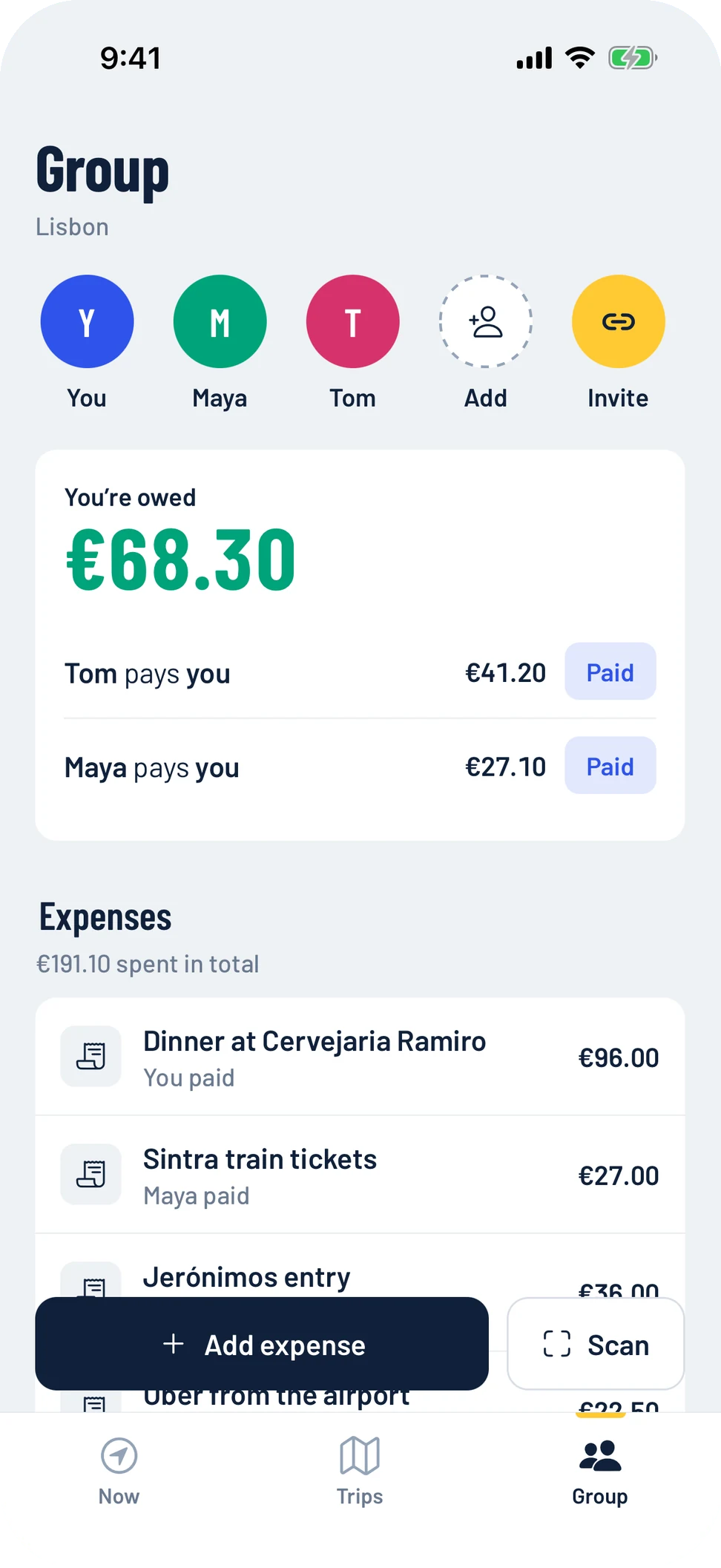
Split and settle up
Log who paid and who it was for. Kiqora works out the fewest payments to square everyone up at the end.
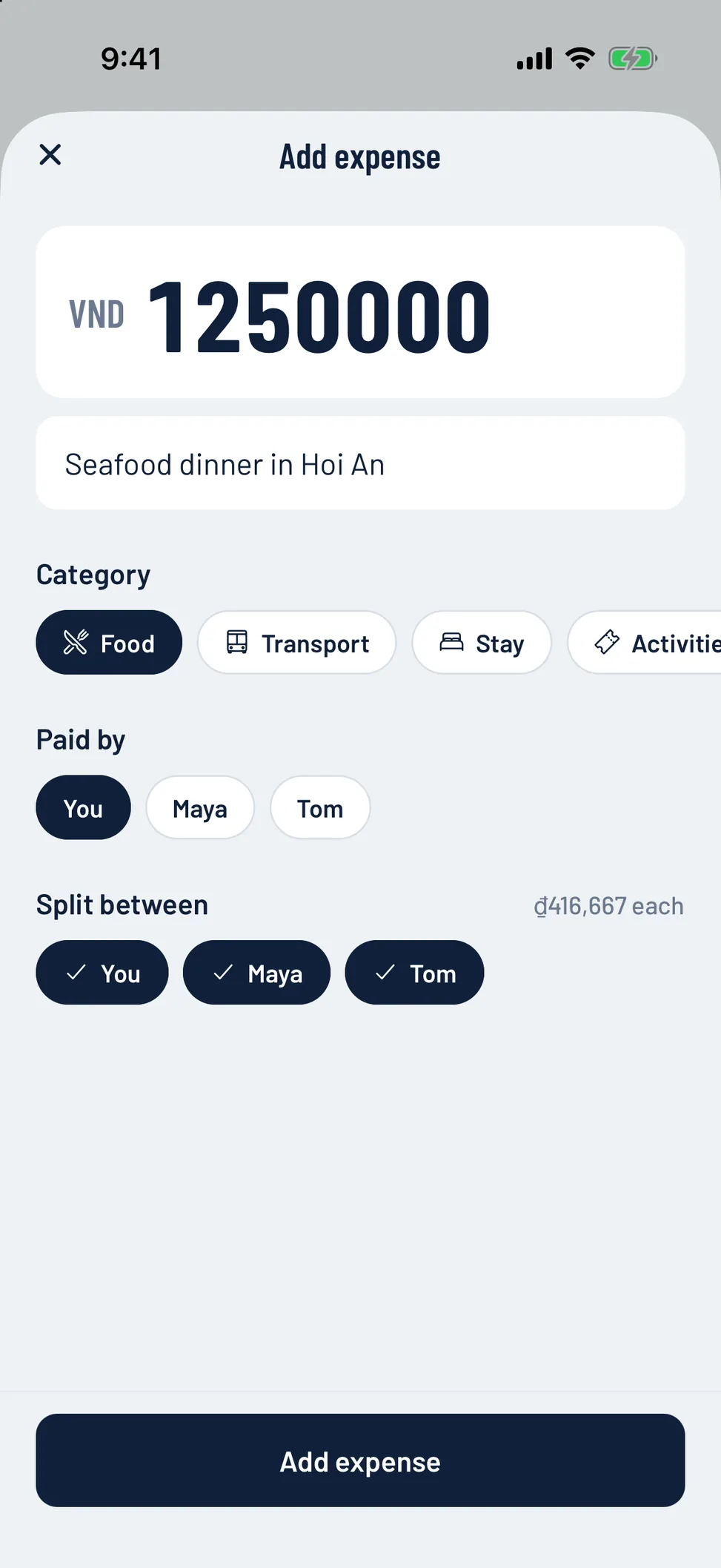
Who paid, who owes.
No limits.
Dinner for six, a train for three, a taxi for two. Log it once and Kiqora keeps a running balance for everyone on the trip.
Split between some or all
Only the people who shared it pay for it.
Settle up once
The fewest payments to square everyone, with one tap to mark them paid.
Friends without the app
Add people by name, or let them join from the link.
No daily cap
Log as many expenses as the trip needs, free.
Kiqora drafts the days.
You make the calls.
Say where and when. Kiqora plans every day with real places in the order you'd visit them, and they drop into your trip as it goes. Then change anything, or just ask.
Real places, sensible order
Stops grouped by area, with time to get between them.
Fits your group
Pace and budget follow who's going.
Edit by asking
“Make day 3 rain-friendly” or “a cheaper dinner”.
Try it free. Unlimited with Pro or a Trip Pass.
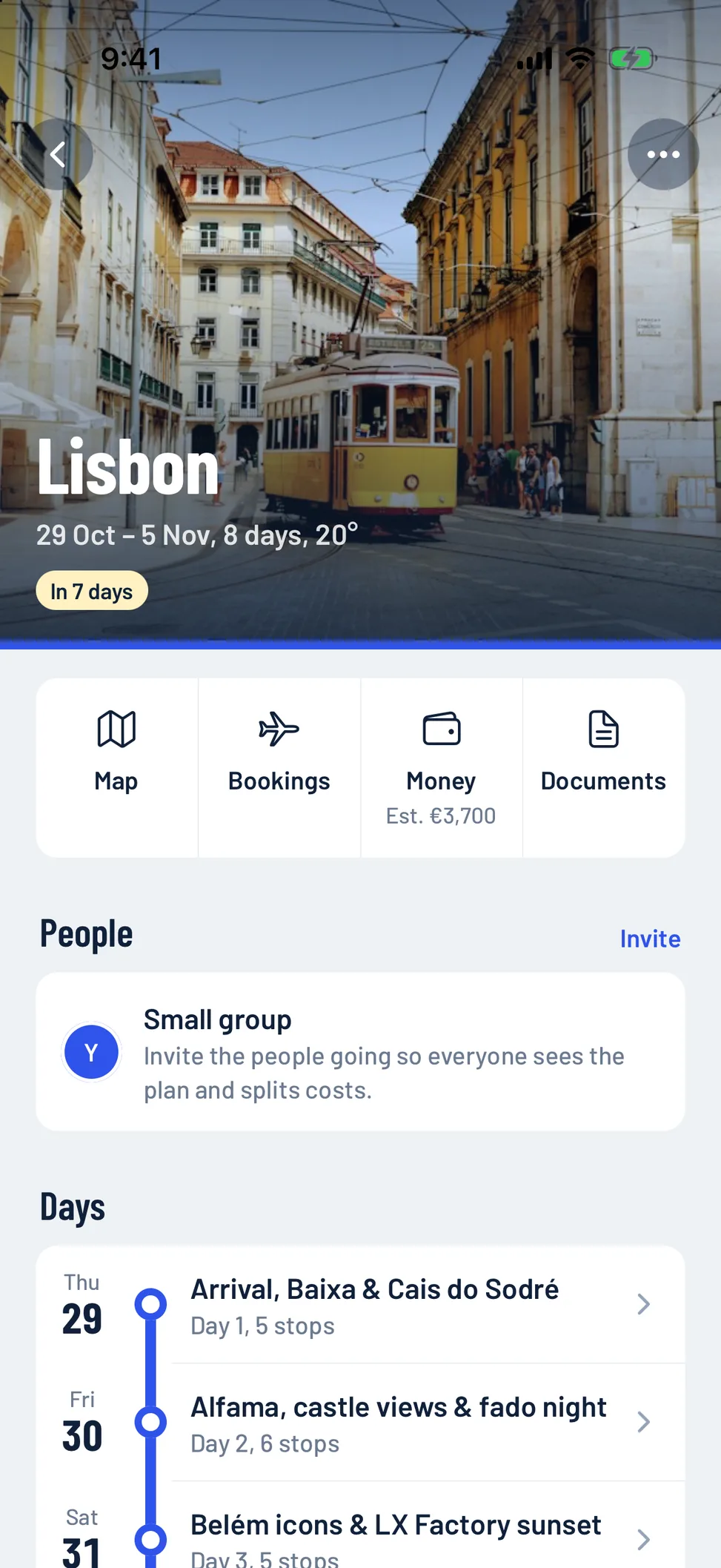
What's next, at a glance
On the day, Kiqora opens on the next stop: what time, how far, and directions in one tap. The rest of the day sits below as a line you can follow.
Open near you
Cafés, food and sights open right now, with walking time.
Bookings offline
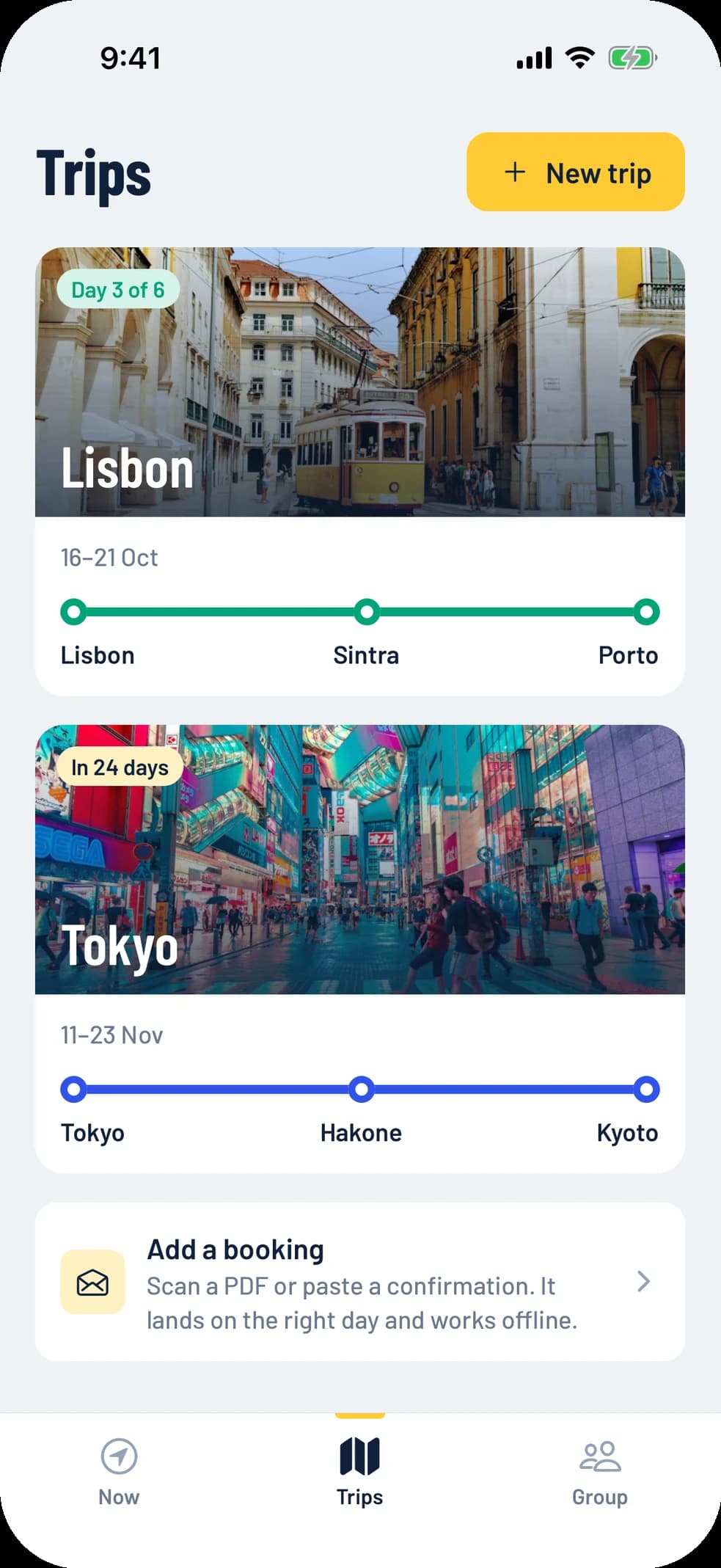
Scan a PDF or paste a confirmation. It lands on the right day.
Every trip, one line
Cities as stations, past trips kept for later.
Free for the group. Pro if you want it.
Planning, splitting and inviting are free. US prices shown; your store shows local prices.
Free
$0forever
Everything a group needs to travel together.
- Unlimited trips and stops
- Unlimited expense splitting
- Invite friends with a link
- Bookings saved offline
- Open near you
Trip Pass
$4.99once
Pro for one trip. 30 days, no subscription.
- Everything in Pro
- Buy again for your next trip
- Doesn't renew
Pro
$19.99per year
7 days free, then billed yearly.
- Unlimited AI day planning
- Receipt scanning
- Offline trip pack
- Voice concierge and live translate
Questions
Do my friends need the app?
No. They open your invite link, type their name, and can see the plan and add expenses from any browser. If they install the app later, it's the same trip.
Is expense splitting really unlimited?
Yes. There's no daily or monthly limit on expenses, people or trips, and splitting is free. Pro adds AI planning and receipt scanning, not basic features.
Can I split a bill between only some of us?
Yes. Pick who paid and who it was for. Kiqora handles uneven splits, settle-ups and different currencies, and shows the fewest payments to square up.
Does it work without signal?
Your trips, day plans and saved bookings live on your phone, so they open offline. Changes sync with the group when you're back online.
What's the difference between the Trip Pass and Pro?
Both unlock the same Pro features. The Trip Pass is a one-time $4.99 for 30 days, made for a single trip. Pro is $19.99 a year if you travel often.
What happens to my data?
Your trips are backed up to your account so they survive a new phone. Only people you invite can see a shared trip. You can export or delete everything from Settings.
Your next trip,
on one line.
Free on iPhone and Android. Your friends can join from the link.